
How to Deposit in Cricket ID via UPI from ₹100: Complete 2026 Guide by Anna
If you already read our What is Cricket ID Beginner Guide, the next step is adding money to your account.
The best part about 2026: You don’t need ₹5000 or ₹10000 to start. At DaddyAnna, you can deposit in your Cricket ID via UPI from just ₹100. Test the platform first with small money, then deposit more once you’re comfortable. That’s exactly how we built trust since 2015.
I’m Anna, Founder of DaddyAnna. When we started in 2015, users had to do bank transfers with ₹500 minimum and wait hours. UPI changed everything. In this guide, I’ll show you the exact steps to deposit ₹100 via PhonePe, GPay, or Paytm in under 2 minutes. Plus real UPI payment proof from our users.
Why Start Your Cricket ID Deposit with Just ₹100?
Every smart beginner follows this rule for 3 reasons:
- Low Risk: Test the platform with ₹100. If you like it, deposit more later
- Instant Credit: UPI deposit reflects in your Cricket ID balance within 2 minutes
- No KYC Hassle: For ₹100 to ₹5000, most UPI apps don’t ask for extra KYC
To be honest, I wish UPI existed back in 2015. It would have saved me 1000+ support calls explaining bank transfers.
Step-by-Step: How to Deposit in Cricket ID via UPI
Step 1: Get Your Active UPI ID from DaddyAnna
Login to your Cricket ID dashboard or message our support on WhatsApp. You’ll get a active UPI ID like `daddyanna@upi`. Note: This UPI ID changes daily for security reasons, so always ask for a fresh one before payment.
Step 2: Open PhonePe, GPay, or Paytm
Open any UPI app on your phone. Tap “Send to UPI ID” or “Pay UPI ID”. Paste the UPI ID we provided. Enter the amount – minimum ₹100, no upper limit.
Step 3: Add Note + Complete Payment
This is the most important step. In the “Note/Message” section, write your Cricket ID username. Example: `Note: username_anna123`. Without this, we can’t identify whose payment it is.
Now enter your UPI PIN and complete the payment. Take a screenshot of the success page.
Step 4: Send Payment Proof on WhatsApp
Send that payment screenshot to DaddyAnna WhatsApp support along with your username. Our team verifies and updates your balance within 2-10 minutes, 24×7.
Step 5: Check Balance and Start Betting
Refresh your Cricket ID dashboard. Your balance will update automatically. Now you can place bets on live IPL or cricket matches.
Common UPI Deposit Issues and Solutions
My Payment is Stuck on “Processing”
Sometimes UPI shows “Processing” for 5-10 minutes. Wait 5 minutes first. If money is debited but not credited, send us the screenshot. We verify from our bank and credit manually.
UPI Daily Limit Exceeded
Most banks have a ₹1 Lakh/day UPI limit. If you crossed it, try tomorrow or use a different bank account.
Money Sent to Wrong UPI ID
Always take a fresh UPI ID from our official support before each deposit. Old UPI IDs expire for security. If money went to wrong ID, banks usually refund it within 48 hours.
Real UPI Deposit Proof from DaddyAnna Users
Check real screenshots below. Amount credited in 8-10 minutes. Personal details blurred for user privacy.
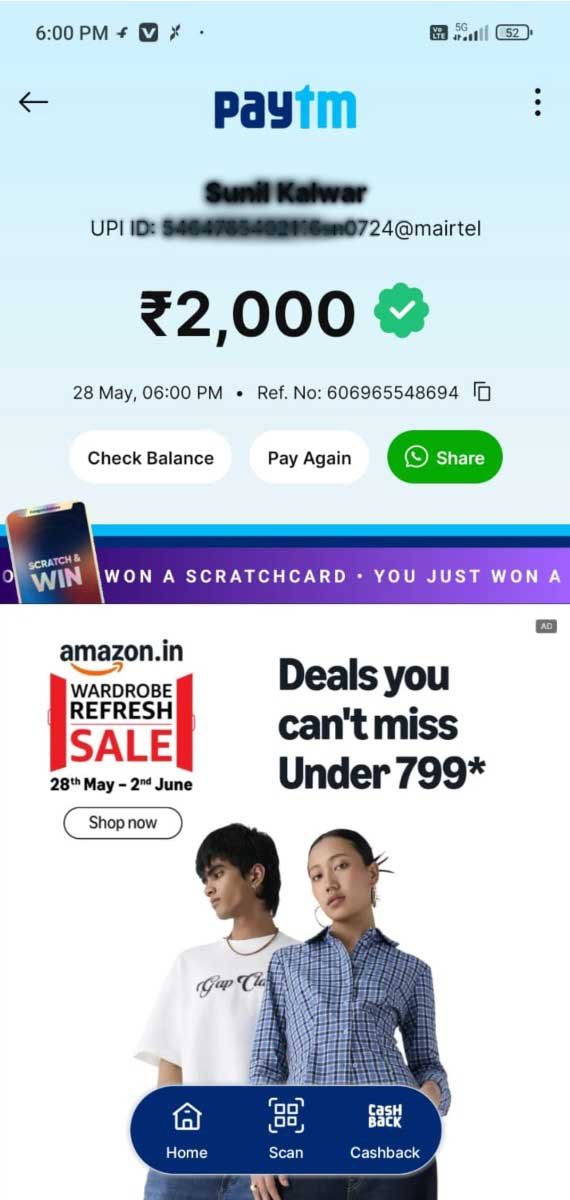
₹2000 UPI deposit credited in 9 minutes via PayTm. May 2026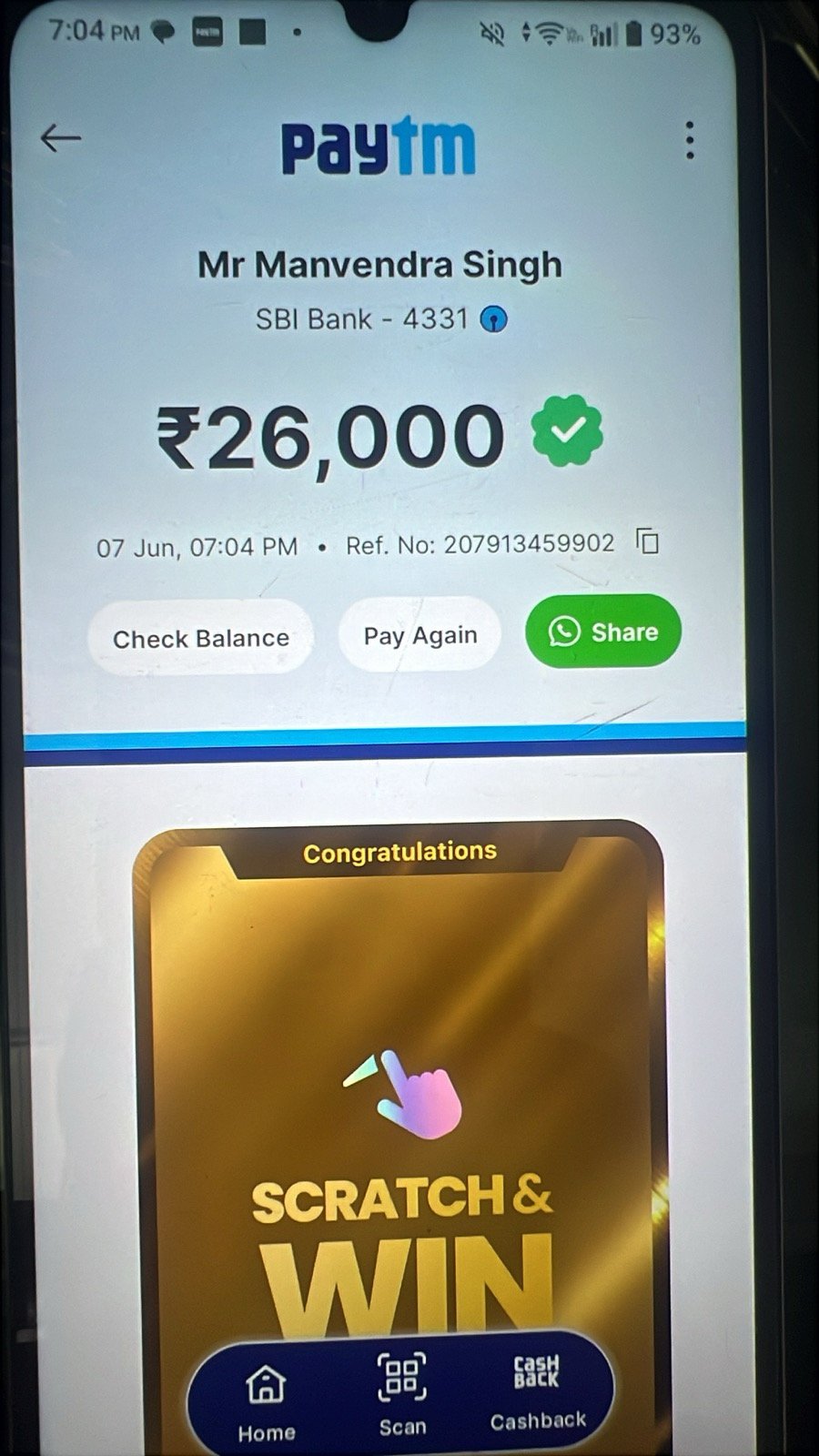
₹26000 UPI withdrawal proof. Processed in 10 minutes via Paytm.
Get your Cricket ID online in 5 minutes via WhatsApp →
Why 52,340+ Users Trust DaddyAnna for UPI Deposits
- ₹100 Minimum Deposit: Lowest in the industry. Start with no pressure
- 10 Minute Balance Update: Guaranteed credit 24×7, even at 3 AM
- Real Human Support: Anna + team on WhatsApp. No automated bot replies
- Since 2015: 9+ years in business with zero payment scam reports
About the Author: Anna
Anna is the Founder of DaddyAnna since 2015. With 9+ years of experience in Cricket ID and UPI payment systems, she introduced ₹100 minimum deposits to help beginners test safely. 52,340+ users trust Anna for instant UPI deposits and 10-minute withdrawals. Last updated: 10 May 2026 by Anna.
Important Note: Always use a fresh UPI ID from official DaddyAnna support for each deposit. We are not responsible for payments sent to old or expired UPI IDs. Please check local laws and regulations before betting online. Play responsibly.